Shingle Calculator
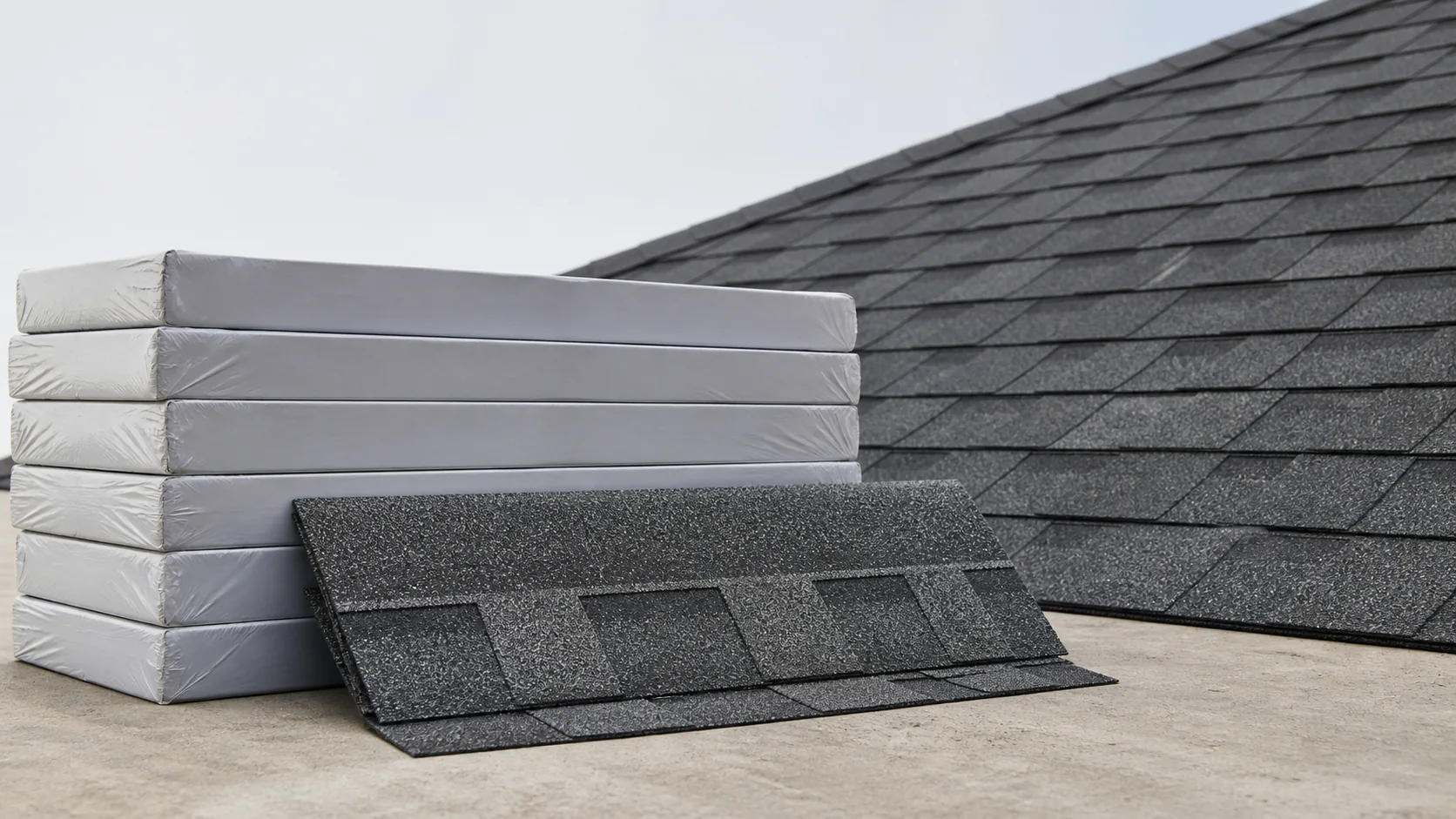
Estimate whole asphalt shingle bundles from actual roof area, a project-specific waste allowance, and the installed coverage listed for your product.
Calculate roof area first if you only have footprint dimensions.
Field shingles only. Starter, hip and ridge products, underlayment, flashing, and fasteners require separate quantities.
Coverage used: 33.33 sq ft per bundle. Confirm this value for the exact product.
Whole field-shingle bundles
How to calculate shingle bundles
- 01Enter actual roof area
Use sloped roof surface area, not the horizontal footprint.
- 02Set waste and coverage
Choose a waste allowance and verify the product wrapper.
- 03Order whole bundles
Use the rounded bundle result, then estimate accessories separately.
Start with actual roof surface area
This calculator does not convert footprint dimensions or pitch. Bring the completed sloped area from the Roof Square Footage Calculator. If pitch is still unknown, verify it with the Roof Pitch Calculator first.
A roofing square equals 100 square feet of roof surface area. The calculator accepts either square feet or roofing squares and preserves the same raw area when you switch modes.
Keep the quantities separateRaw area describes the roof. Waste adds a planning allowance. Package rounding adds only enough coverage to reach a whole bundle.
Shingle bundle calculation method
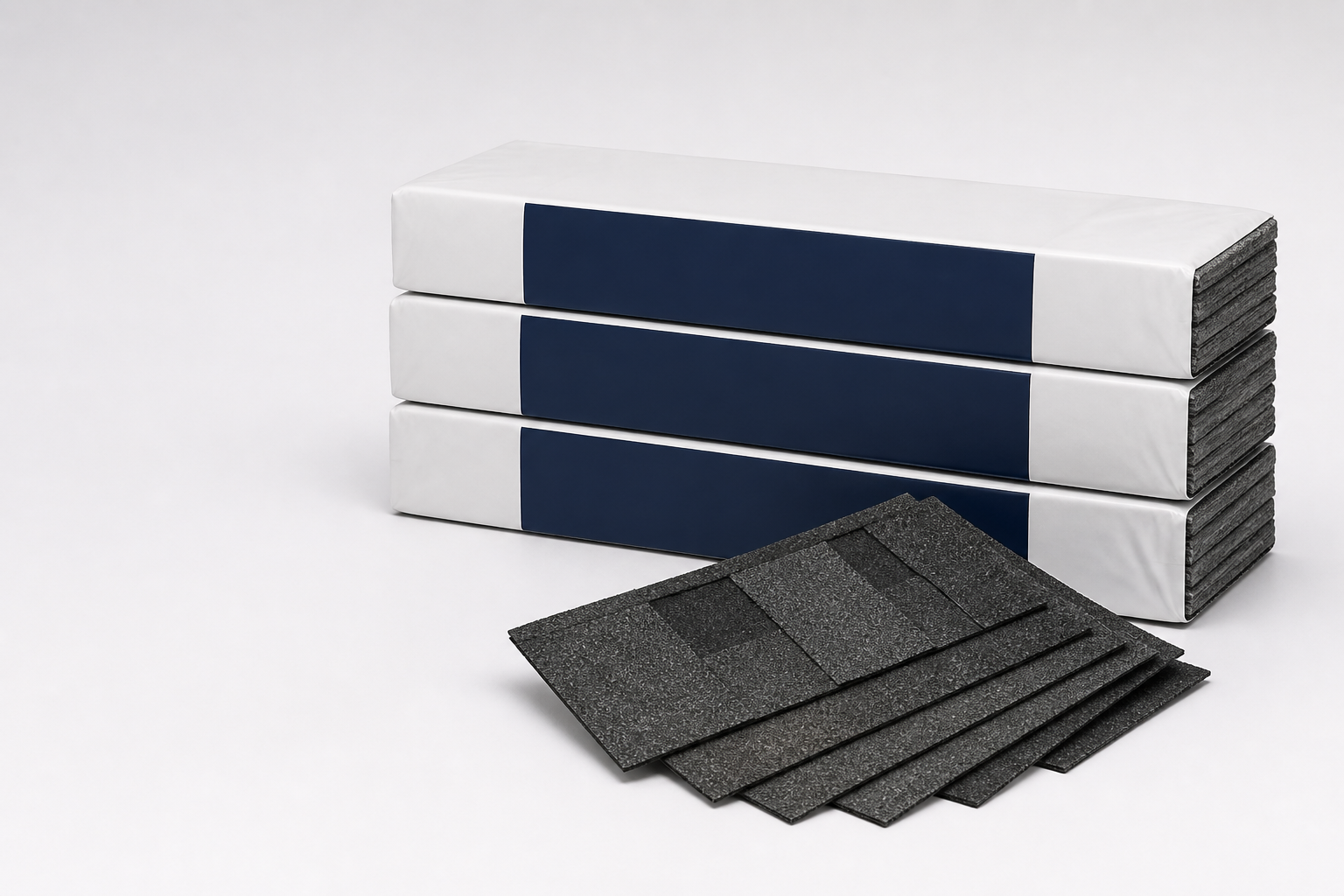
The calculator first applies the selected waste percentage to raw roof area. It then divides the adjusted area by verified installed coverage per bundle and rounds up once, at the bundle stage.
Waste area
raw area × waste %
Adjusted area
raw area + waste area
Exact bundles
adjusted area ÷ coverage
Bundles to order
round up once
When you use bundles per square, the engine converts that value exactly: installed coverage per bundle = 100 ÷ bundles per square. It does not use a rounded 33.33-square-foot shortcut internally.
Waste depends on roof complexity
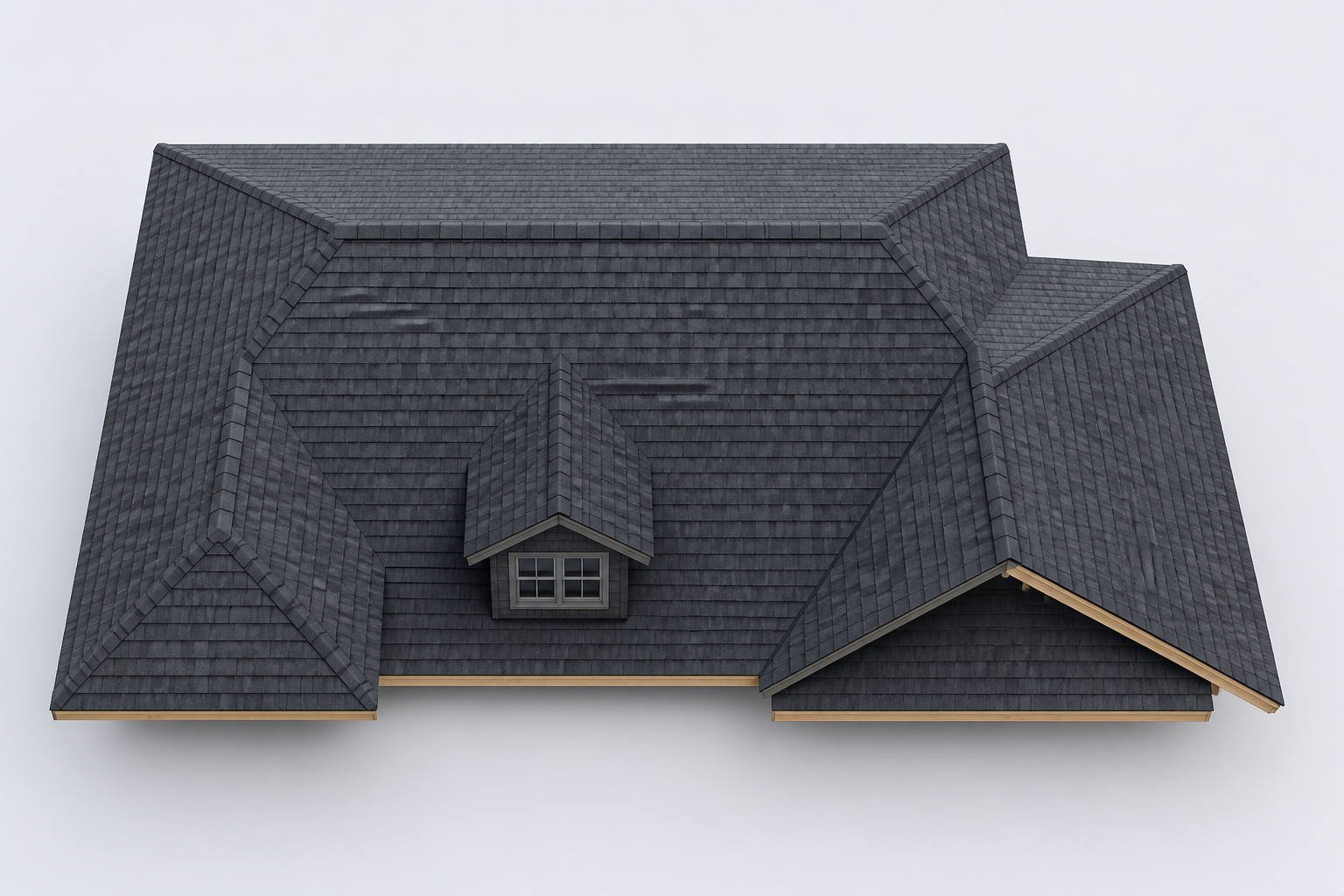
Simple rectangular roof planes usually create fewer cuts than roofs with valleys, hips, dormers, and short transitions. Select an allowance that reflects the actual layout and installation plan. Do not treat a preset as a universal recommendation.
Waste is not spare package coverageThe selected waste allowance enters the calculation before bundle rounding. The result reports any final package overage separately.
Common ordering mistakes
- 01Using horizontal footprint instead of actual sloped roof area.
- 02Rounding roofing squares before converting to bundles.
- 03Adding the same waste allowance twice.
- 04Assuming every product uses three bundles per square.
- 05Treating valleys or shared boundaries as extra roof area.
Scope and safety
- This calculator includes
- Field-shingle bundles from roof area, waste, and product coverage.
- It excludes
- Starter, hip and ridge products, underlayment, flashing, fasteners, and a complete roofing bill of materials.
- Measure safely
- Use plans or a safe location and follow OSHA fall-protection rules where work exposes people to fall hazards.
Technical references
- IKOEstimating How Much Roofing Is RequiredManufacturer estimating instructions for roof area, roofing squares, bundle coverage, and material allowance.
- GAFSteep-Slope Pro Field GuidePrimary installation guidance for field shingles, starter, hip and ridge materials, and roof-system details.
- OSHAFall Protection in Residential ConstructionFall-protection guidance for residential roofing and work at height.
Shingle calculator questions
How many bundles of shingles do I need?
Divide the waste-adjusted roof area by the installed coverage per bundle, then round up to the next whole bundle. Verify coverage on the wrapper because products do not all cover the same area.
How many bundles are in a roofing square?
Three bundles per square is a common generic baseline, but it is not universal. A roofing square equals 100 square feet of roof surface. Use the product specification for the actual bundle coverage.
Does this calculator include shingle waste?
Yes. You select the waste percentage. The calculator reports waste area separately from extra purchased coverage so you can see why each quantity was added.
Why does extra purchased coverage differ from waste?
Waste is the planned allowance for cuts and handling. Extra purchased coverage is the coverage left after the adjusted area is rounded up to whole bundles.
Does the result include starter and ridge-cap shingles?
No. The result covers field-shingle bundles only. Calculate starter, hip and ridge products, underlayment, flashing, and fasteners separately.
Can I count individual shingles instead?
Do not infer a piece count from shingle style. Piece counts and installed coverage can vary by product and bundle configuration, so this calculator uses verified installed coverage per bundle.